What's the matter?
As we know, when the iOS device dim the screen display, the proxy network of our lan proxy app will be kicked out. That sounds bad.
Usually, you can set "Auto-Lock" to be "Never" at your iOS settings. However, the iOS device stayed there to be a bit silly.
My solution
As a result, I'd like use a clock app to makes it less abrupt.
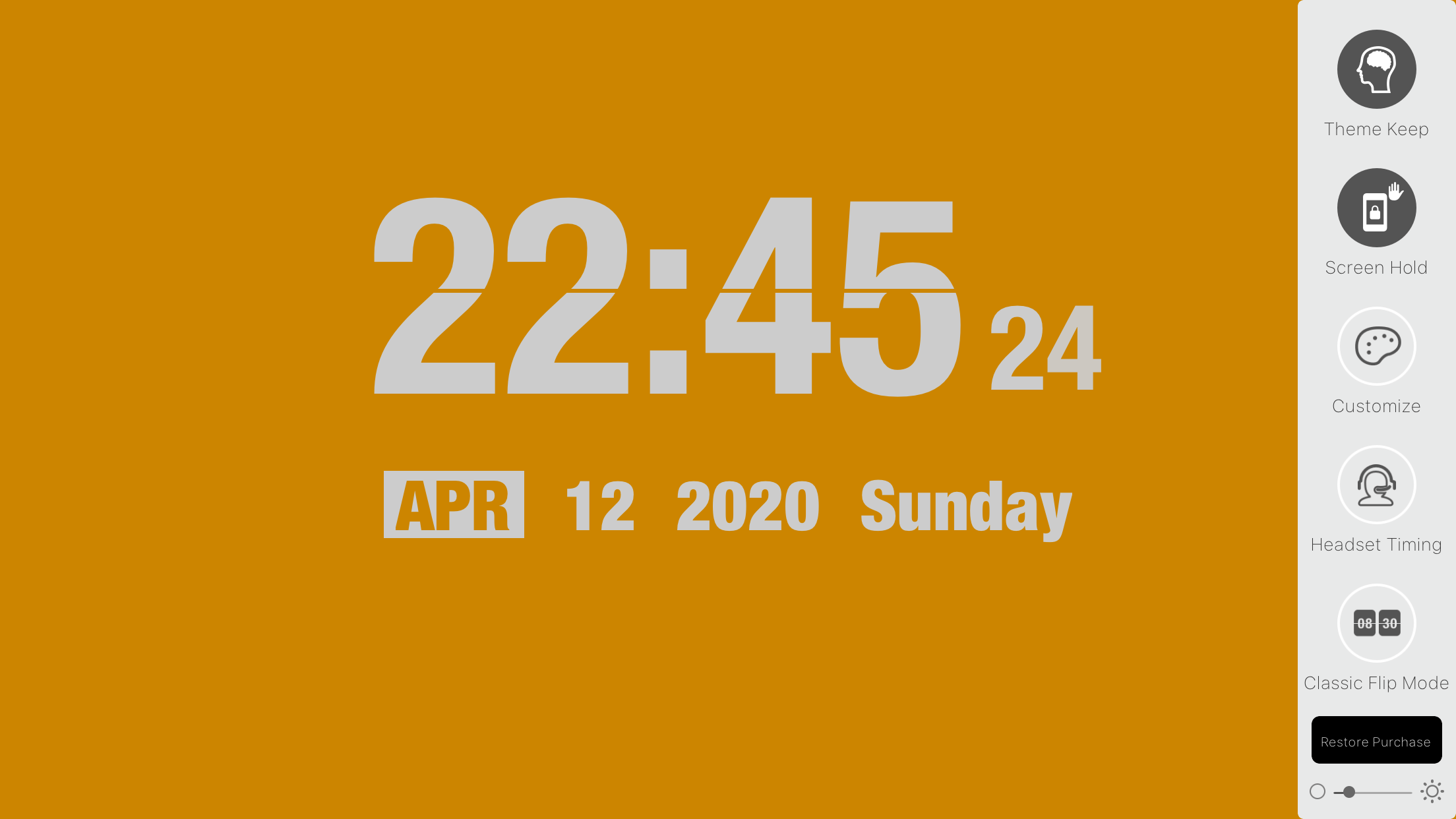
Then, I try search the Apple AppStore to discover a great clock app. I find this app, and it looks nice.
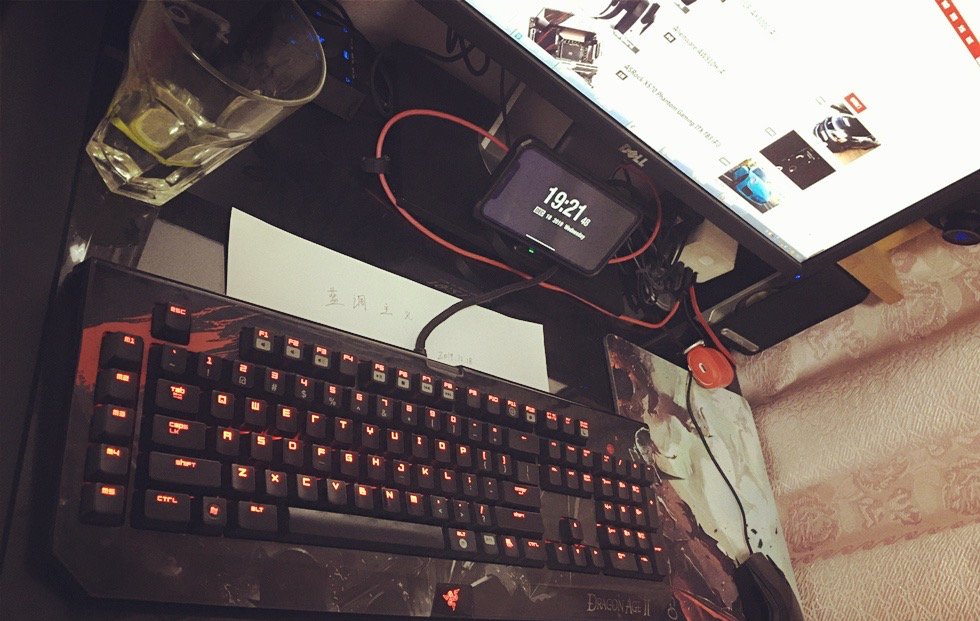
And, now I do not have to do anything with iOS system settings, I just switch on the menu item "Screen Hold" (under the app menu), everything is done.
Enjoy it. A Nice Morphing Clock for Me
