The design story behind LumaSwing, a new kinetic clock face for iClock
Most clocks are very good at answering one question: What time is it?
They are less interested in another: What does time feel like while it is passing?
For years, iClock has lived on desks, bedside tables, shelves, and repurposed devices. People do not always open it to complete a task. Sometimes they leave it there, quietly sharing the room. That made us wonder whether a clock could do more than display time without becoming louder, busier, or less useful.
Could time become part of the atmosphere?
That question became LumaSwing, or “Shi Guang Bai” in Chinese — a name that roughly evokes time swaying in light.
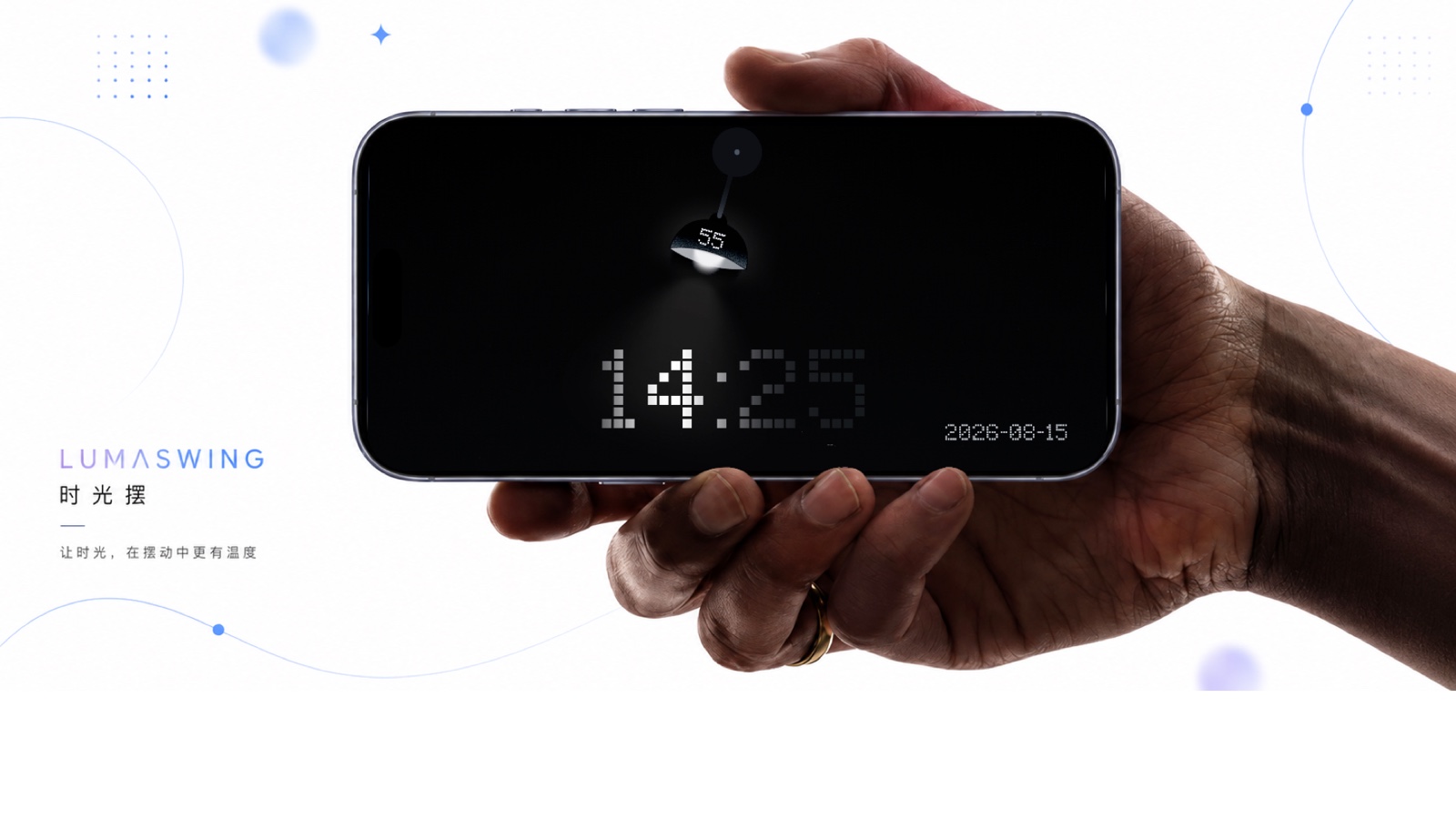
LumaSwing is a new clock face inside iClock, now available worldwide. It combines the rhythm of a pendulum, the warmth of a lamp, and the clarity of a digital clock into one moving scene.
We did not want to draw another clock
The earliest idea was not a font, a layout, or a color palette. It was a room.
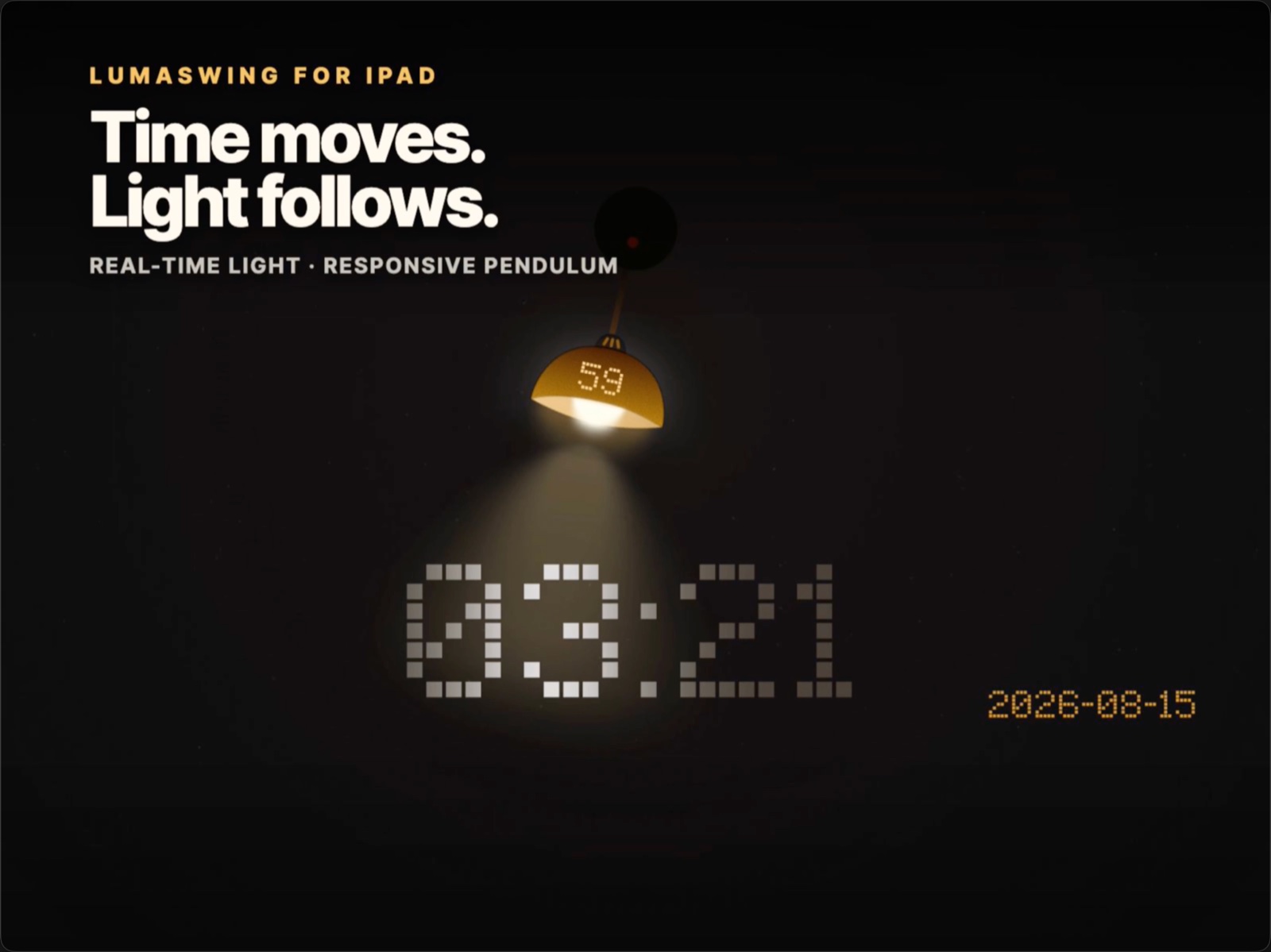
Imagine a small lamp hanging in a quiet space. It swings with the calm regularity of an old pendulum. As its beam moves across the wall, numbers appear between light and shadow. There is no mechanical ticking, yet the passage of time is visible.
Two familiar objects shaped the concept.
A pendulum gives time a physical rhythm. Even before you read a dial, its movement tells you that another moment has gone by. A lamp does something different: it changes the character of the space around it. It can make a room feel focused, warm, theatrical, or still.
We wondered what would happen if those two objects became a digital clock.
In LumaSwing, the seconds live on the lamp itself. The hour and minute sit below, inside the moving pool of light. The date remains present but secondary. Every part has a clear job, and the motion connects them.
The animation is not there simply to make the screen look active. It is the interface. The swing gives seconds a rhythm; the light reveals the time; the shadow makes each glance feel slightly different from the last.
We wanted time to remain precise without always feeling urgent.
Eleven moods, not eleven skins
Color is often treated as decoration in a clock app. For LumaSwing, it became part of the experience.
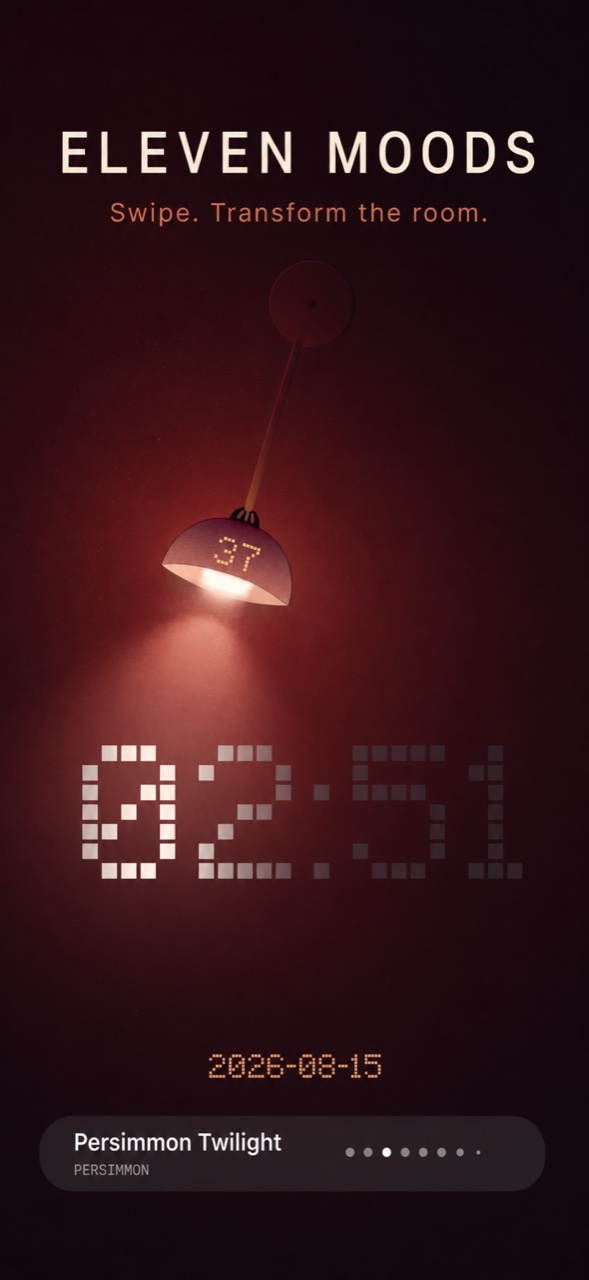
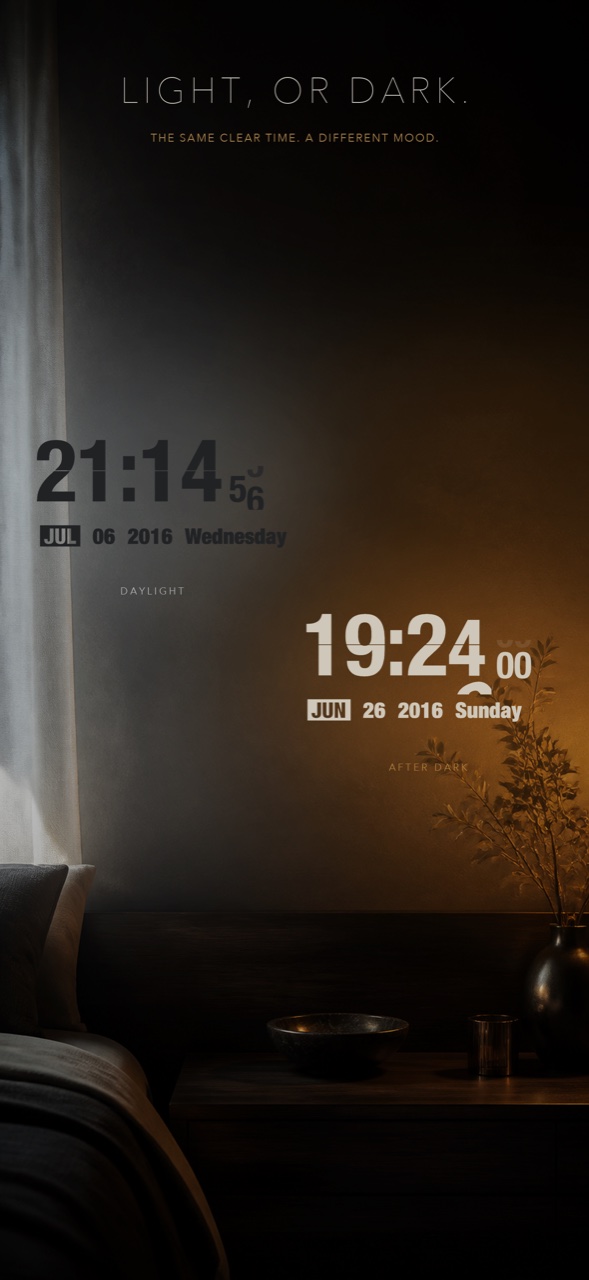
The same light that feels comfortable at noon may feel too sharp beside a bed. A palette that disappears into a dark room may be hard to read in morning sunlight. Instead of searching for one “universal” appearance, we designed eleven moods:
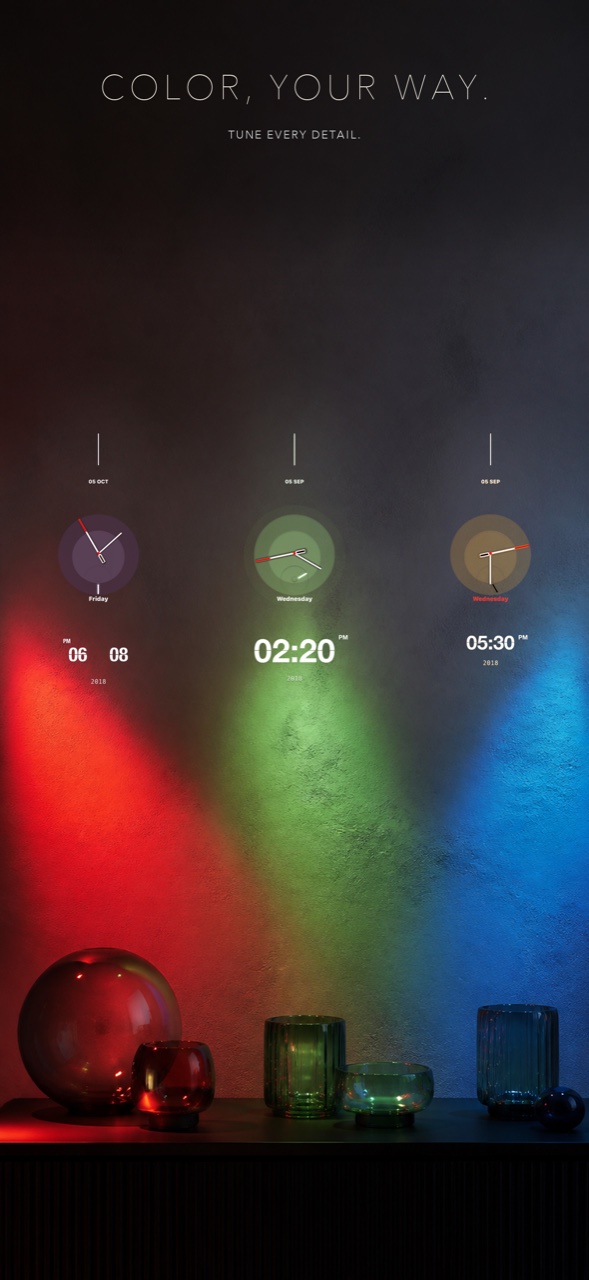
Midnight Gold, Deep Ocean Blue, Aurora Teal, Obsidian Black, Blazing Red, Glacier Blue, Jade Forest, Persimmon Twilight, Morning Mist, Neon Purple, and Electric Yellow.
Learn about Medium’s values
Each mood changes more than a background. It shifts the color and intensity of the light, the contrast of the digits, and the emotional temperature of the scene. Swiping between them should feel less like changing a theme and more like changing the light in the room.
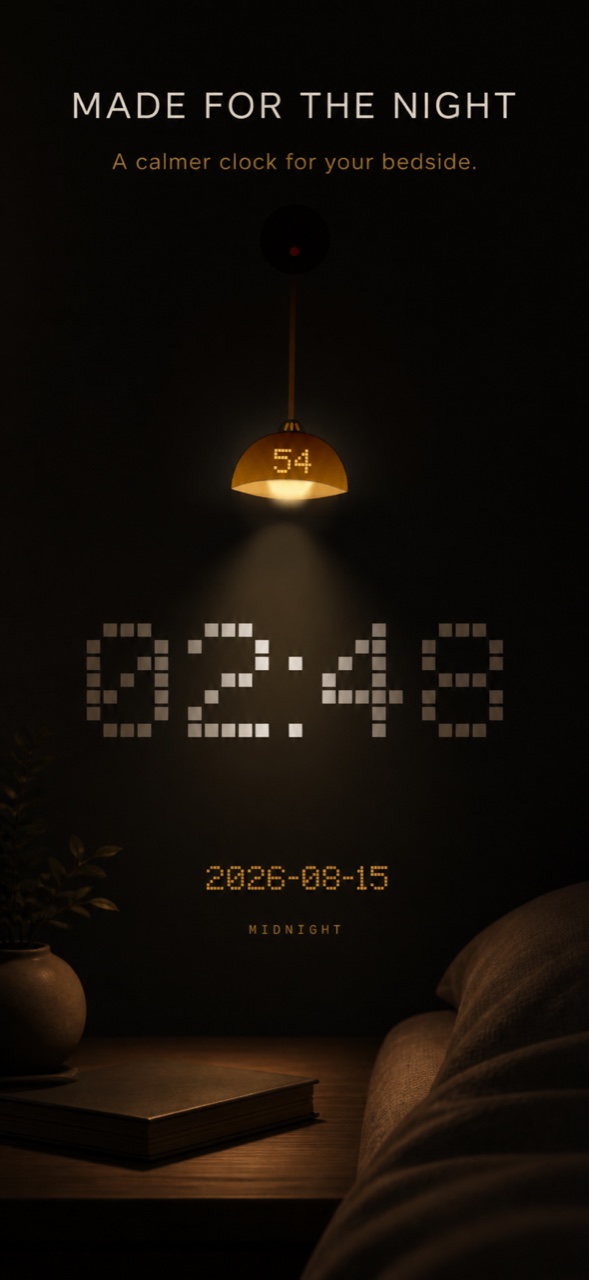
Some are quiet enough for late nights. Others are intentionally vivid. The goal is not to make every mood suitable for every person, but to give different spaces — and different moments — their own character.
Designing for the room, not just the screen
Clock interfaces are usually designed as flat rectangles. But once a phone or tablet stays on a desk for hours, it becomes an object in the room. Its brightness matters. Its orientation matters. Even the amount of empty space around the time matters.
That is why LumaSwing adapts to both portrait and landscape orientations on iPhone and iPad. The composition reorganizes itself instead of merely rotating. You can also change the scale of the time, choosing between immediate legibility and a more restrained layout with room to breathe.

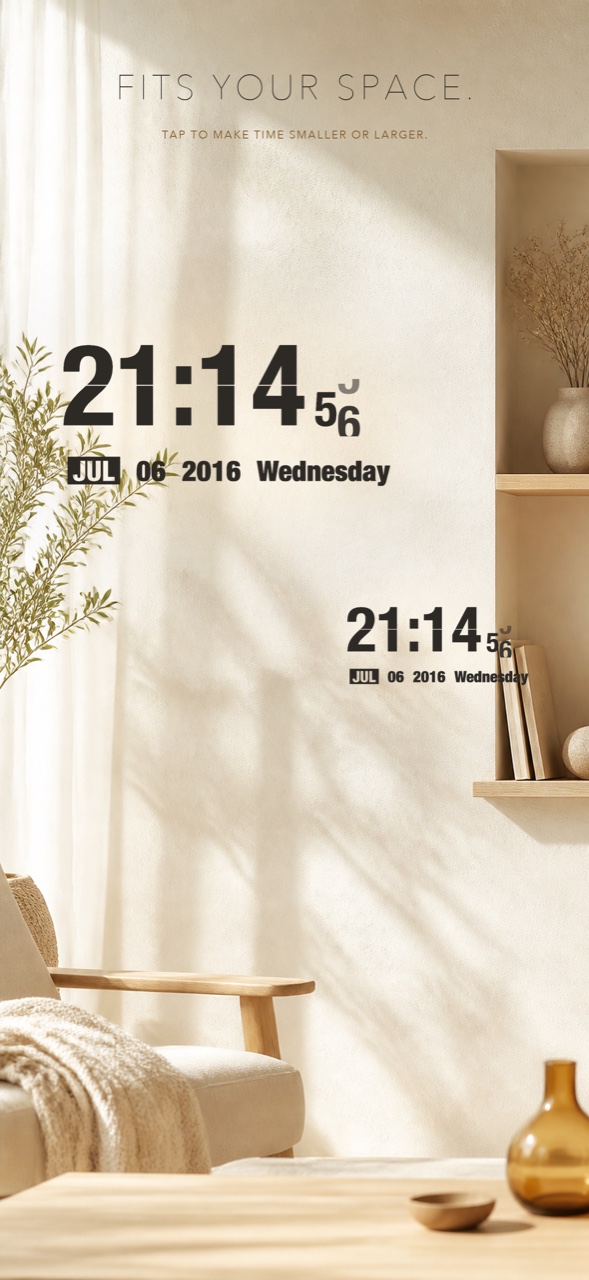
The clock follows the 12-hour or 24-hour preference already selected in iClock. Changing moods is a swipe. Adjusting the presentation is direct. We deliberately avoided turning the experience into a dashboard full of controls.
The best place for settings is often outside the moment in which the clock is doing its job.
A small argument for ambient software
Software is usually judged by how quickly it helps us finish something. That is a useful standard, but it is not the only one.
Some software accompanies us. A music player can change the feeling of a room. A reading app can create a ritual at the end of the day. A clock can be a tool, but it can also be a quiet presence.
While building LumaSwing, we kept returning to that distinction. We did not want to add information simply because there was space for it. We wanted the screen to stay understandable from across a room, while still rewarding a closer look. We wanted motion without restlessness, atmosphere without sacrificing clarity, and personality without making the clock harder to use.
Those constraints shaped almost every decision. They are also why the finished experience feels less like a new layout and more like a small kinetic object living inside the device.
Try LumaSwing
LumaSwing is now available worldwide as a new clock face in iClock.
After installing or updating iClock, open the side menu and choose LumaSwing. You can explore the complete interactive experience for two minutes before deciding whether to unlock it. LumaSwing is available as an individual in-app purchase and is included for Khronos lifetime members.
LumaSwing requires iOS or iPadOS 15 or later and supports iPhone and iPad in portrait and landscape orientations.
You can download iClock on the App Store.
If you have ever placed a phone beside your bed, kept an iPad on your desk, or looked for a reason to give an older device a second life, we hope LumaSwing gives it a new place in your space.
Turn on LumaSwing, and watch time pass.
— The iClock developer
